Is your printer telling you the truth?
Hours of design work can come out of a printer looking nothing like it did on screen. Our free test sheets show you where the gap is: wrong colors, weak grays, clogged nozzles, uneven ink. Print one, compare it, and fix what it shows. No sign-up, no fee.
New to this? Start with the Printer Color Test. Print it at actual size and read the result against its guide.
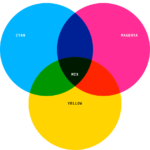
Cyan, magenta and yellow overlap to make every other color. A printer that mixes them wrong gets wrong colors everywhere.
Start with these two
They cover most of what a first-time tester needs.
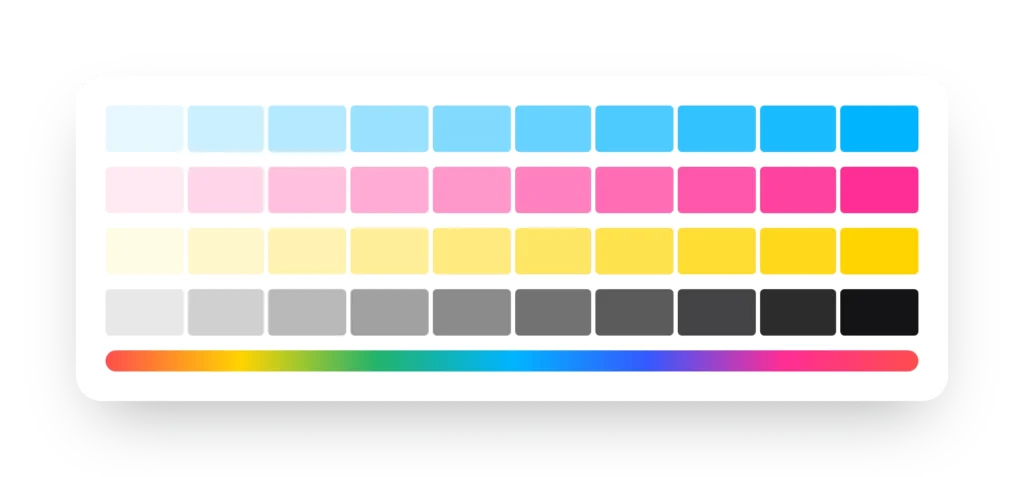
Printer Color Test
Prints a mix of color blocks and gradients so you can see whether colors come out right and whether the printer needs calibrating. It also exposes banding and uneven color. Run it from time to time and you will notice changes before they spoil a job.
Grayscale Color Test
Grays can be made from black ink alone or from a blend of cyan, magenta, yellow and black. This sheet shows which one your printer uses and how smooth the steps from white to black look, so neutrals do not drift warm or cool.
More tests for specific jobs
Need tone calibration for LC and LM inks, an RGB check, or a high-resolution photo image? They are below. Looking for something we have not made yet? Tell us on the contact page.
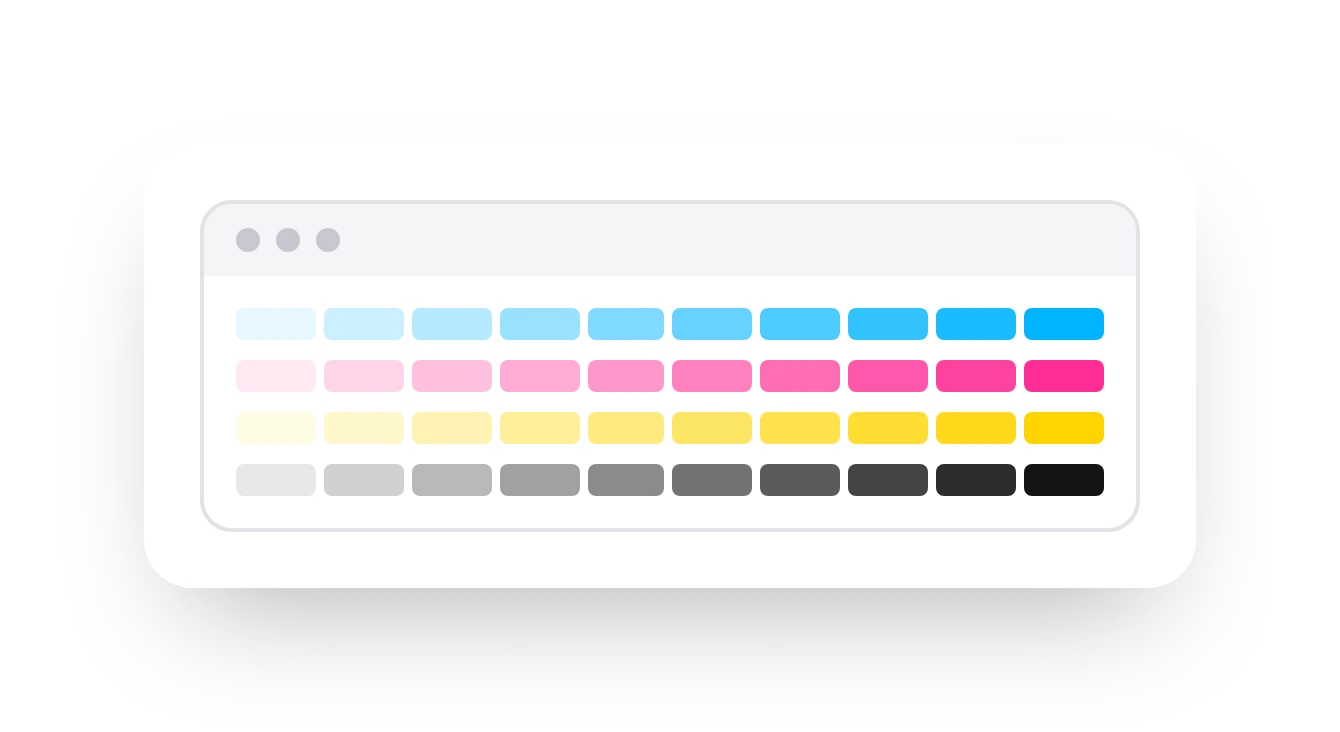
Online Test Print
Print a CMYK pattern from your browser in seconds. It beats the default Windows test page because it also hints at the printer’s technical condition.
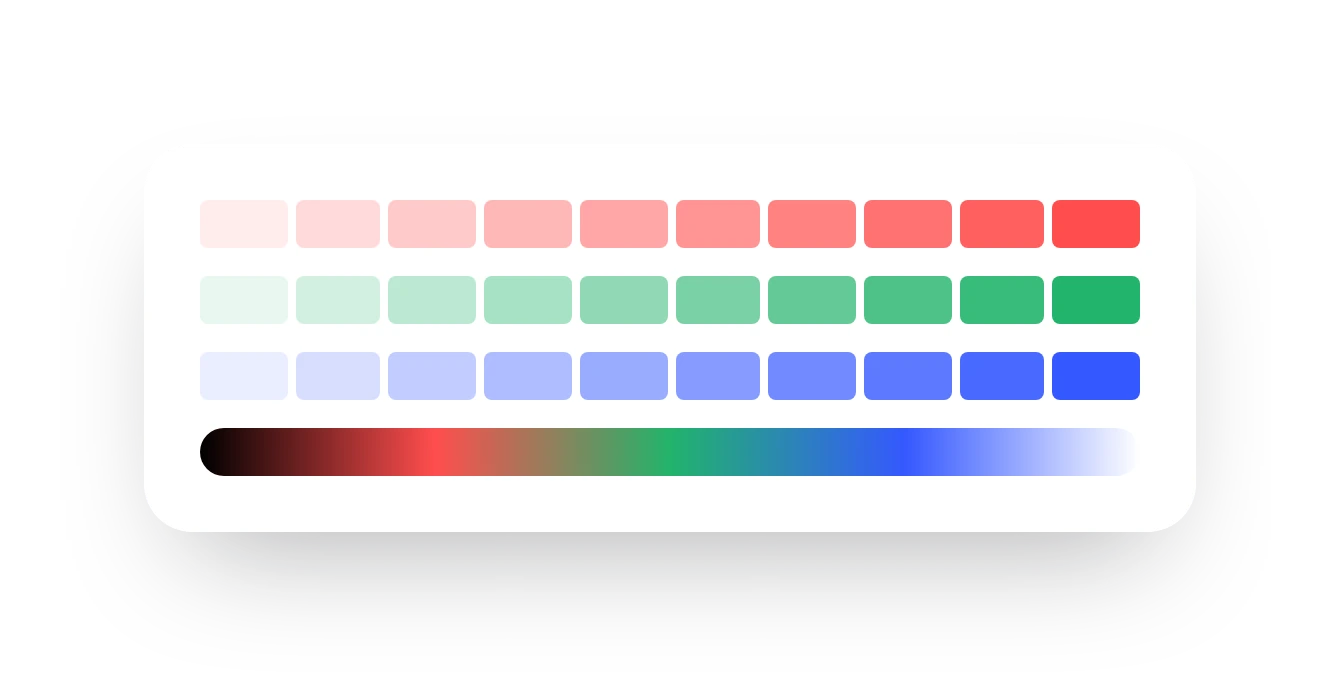
RGB Color Test
Print a CMYK pattern from your browser in seconds. It beats the default Windows test page because it also hints at the printer’s technical condition.
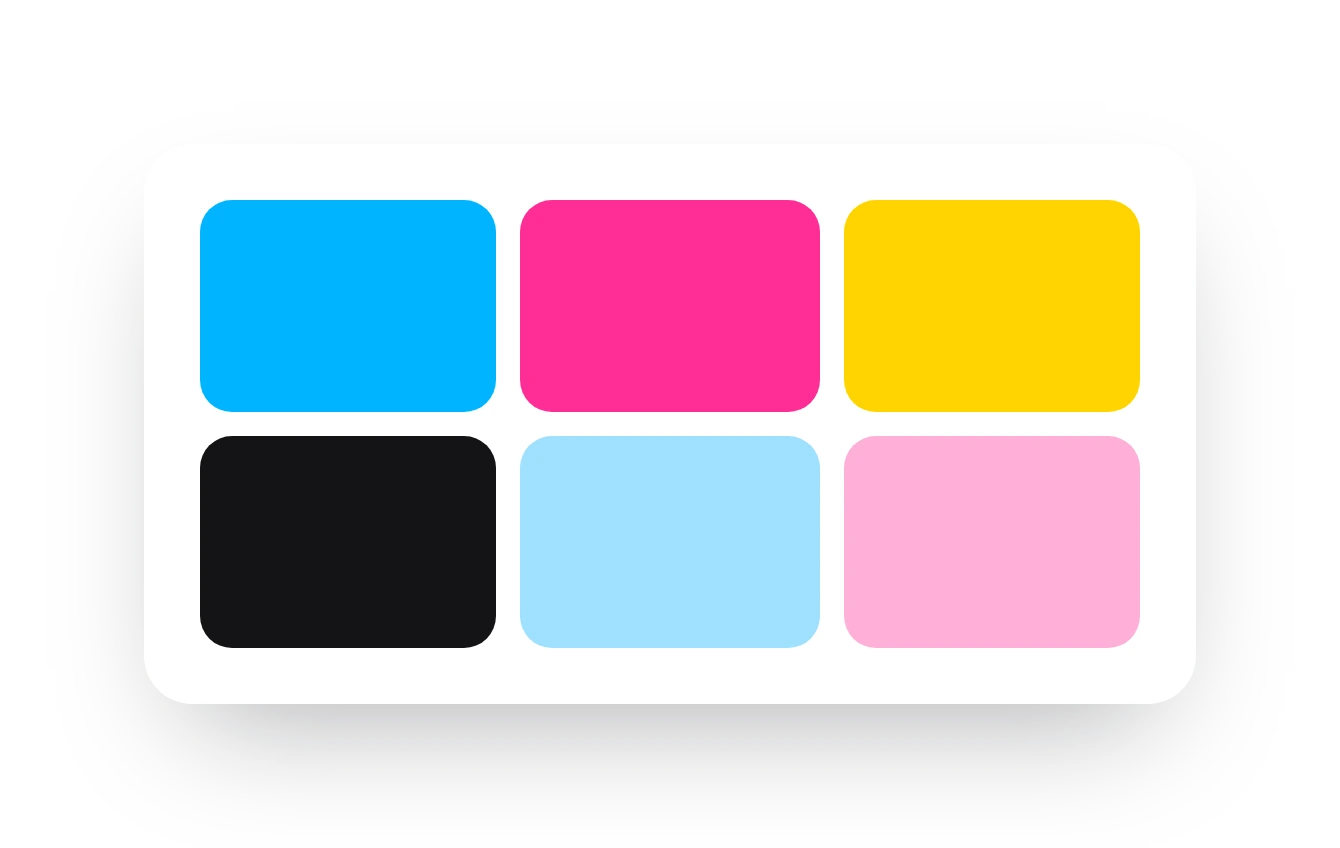
6 Color Test
For printers with light cyan and light magenta. Checks accuracy, balance, density and registration across all six inks so you can tighten the color.
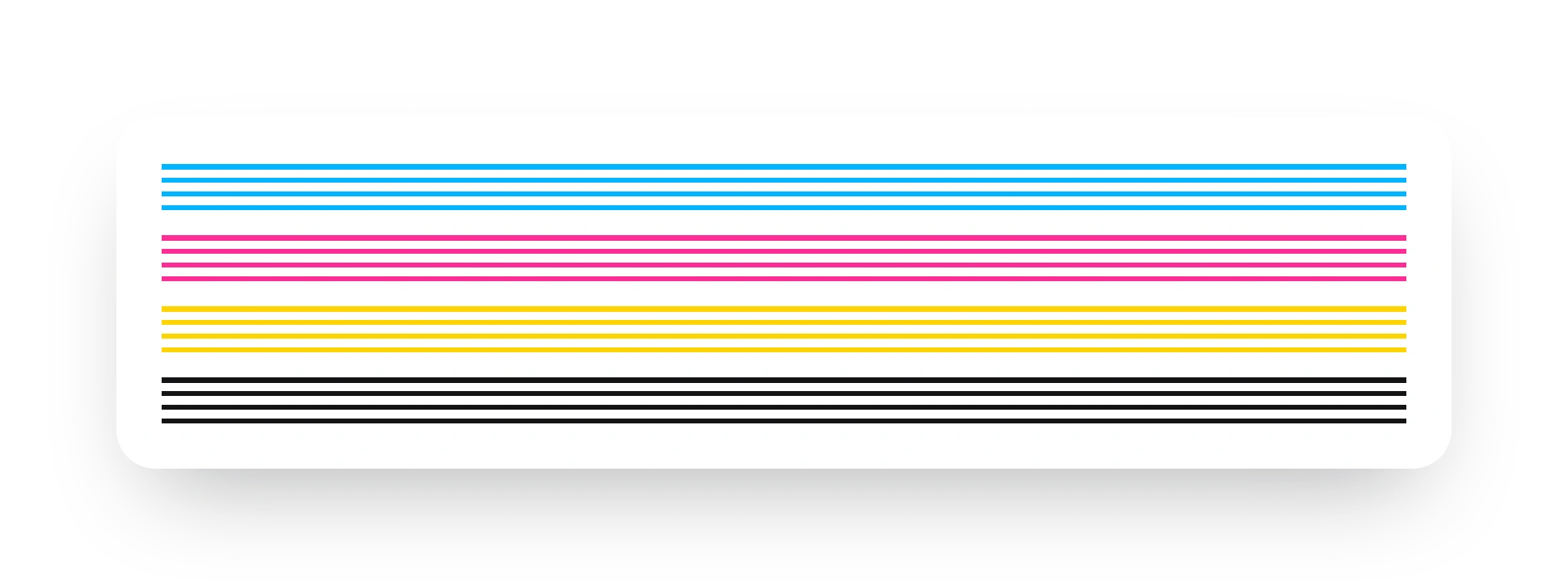
Nozzle Check Pattern
Prints a mix of color blocks and gradients so you can see whether colors come out right and whether the printer needs calibrating. It also exposes banding and uneven color. Run it from time to time and you will notice changes before they spoil a job.
Nozzle Check PDF
Grays can be made from black ink alone or from a blend of cyan, magenta, yellow and black. This sheet shows which one your printer uses and how smooth the steps from white to black look, so neutrals do not drift warm or cool.
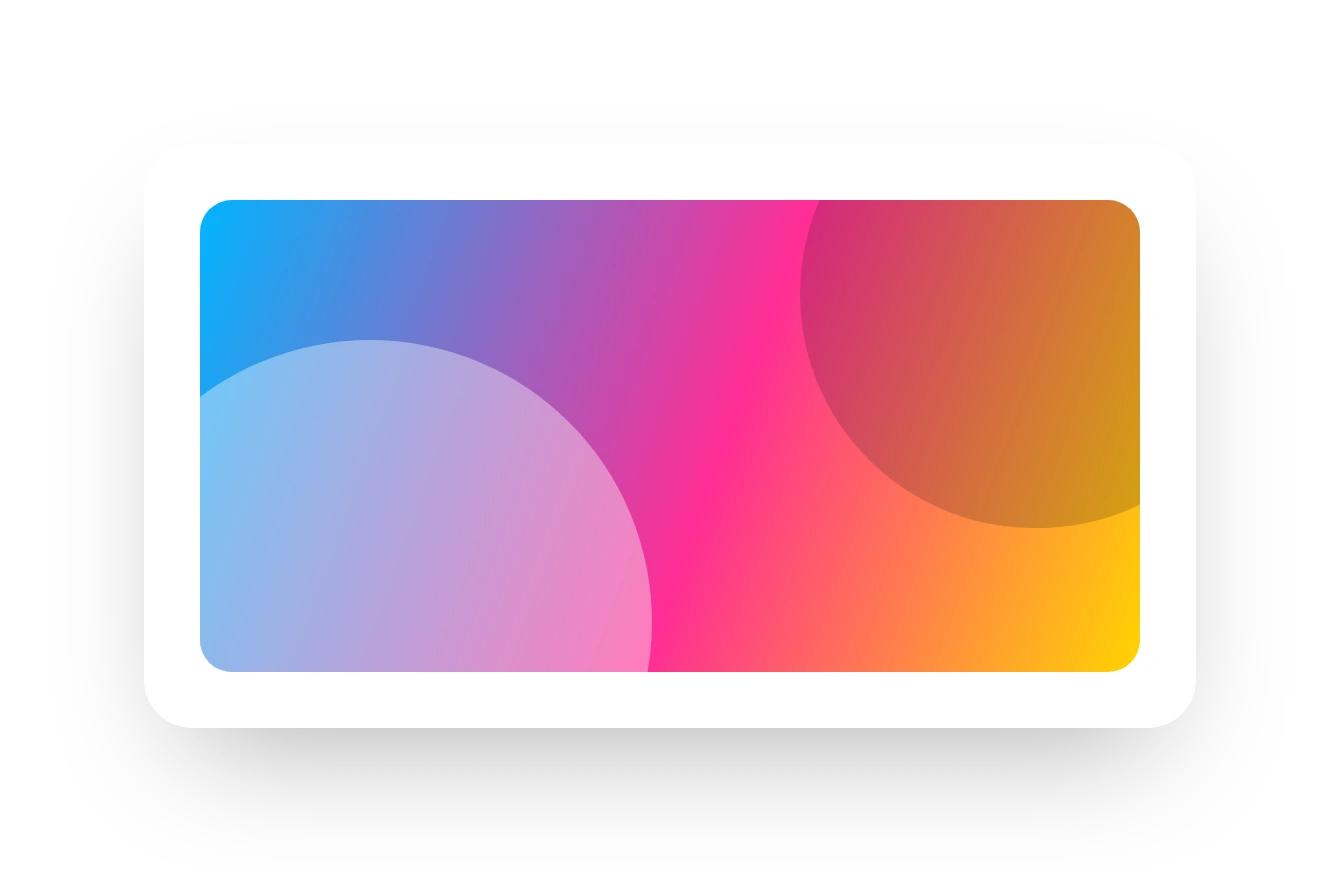
Sublimation Test Image
Prints a mix of color blocks and gradients so you can see whether colors come out right and whether the printer needs calibrating. It also exposes banding and uneven color. Run it from time to time and you will notice changes before they spoil a job.

Photo Printer Test Image
Prints a mix of color blocks and gradients so you can see whether colors come out right and whether the printer needs calibrating. It also exposes banding and uneven color. Run it from time to time and you will notice changes before they spoil a job.
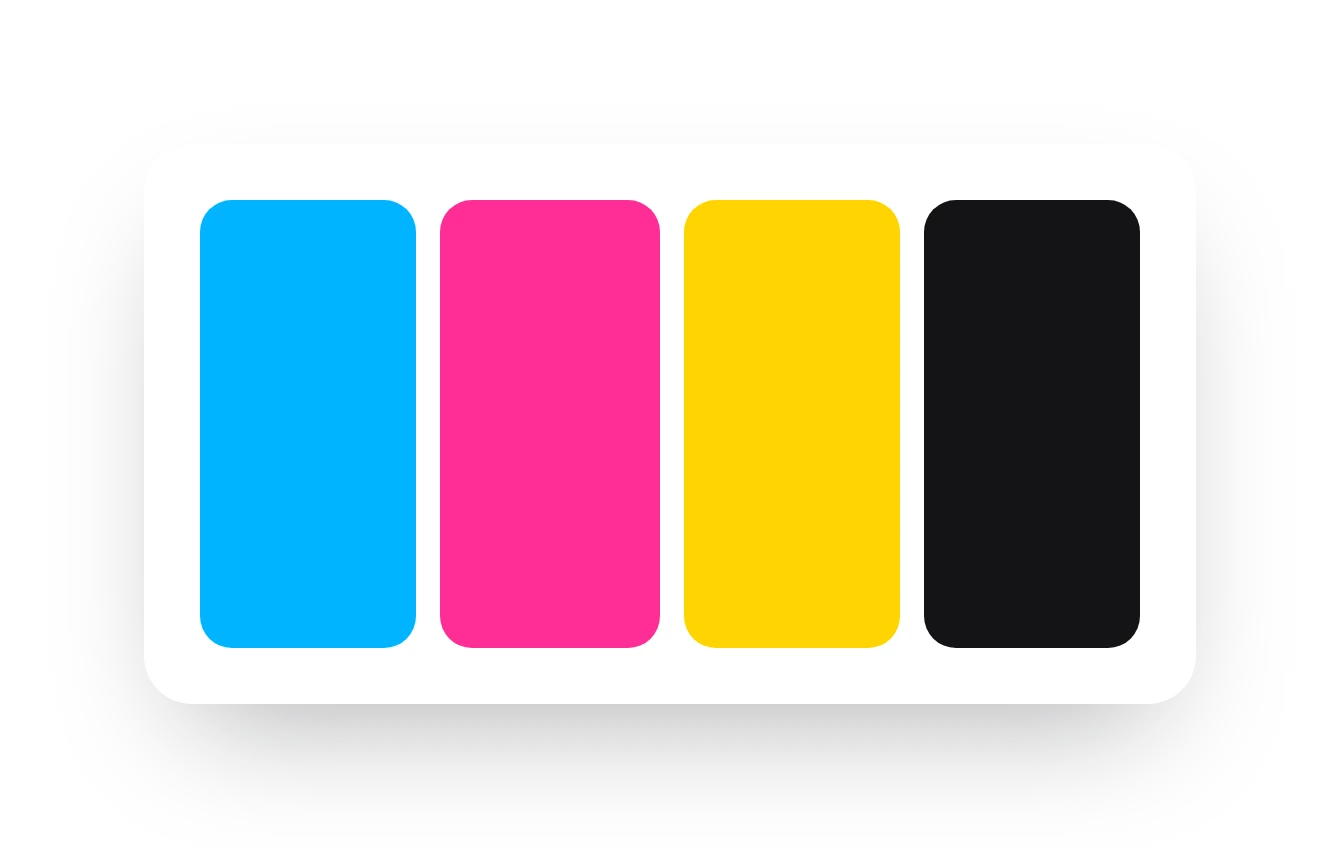
Printer Purge Sheets
Prints a mix of color blocks and gradients so you can see whether colors come out right and whether the printer needs calibrating. It also exposes banding and uneven color. Run it from time to time and you will notice changes before they spoil a job.
How to run a test in four steps
Good results depend on printing the sheet the right way. These steps take about five minutes.
Pick the right sheet
Match the test to your question. Colors look wrong: Printer Color Test. Streaks or gaps: Nozzle Check. Printing six inks: 6 Color Test.
Load good paper
Use the paper you normally print on, fresh and flat. Photo paper for photo tests, sublimation paper for transfers.
Print at actual size
Choose 100% scale, turn off “fit to page”, and pick the quality setting you use for real work. Do not let the driver enhance the image.
Read and fix
Let the print dry for a minute, view it in daylight, then compare it with the guide on the test page or the problem list below.
Printer Brand Test Pages
Choose your brand for the right test page and model advice.
Hp Printer
Test pages for HP DeskJet, ENVY, OfficeJet, and LaserJet printers.
Brother Printer
Color test pages for Brother inkjet and laser printers.
Cannon Printer
Test pages for Canon PIXMA, MAXIFY, and imageCLASS printers.
Epson Printer
Test pages for Epson EcoTank, WorkForce, and Expression photo printers.
Dell Printer
Color test pages for Dell inkjet and laser printers.
Lexmark Printer
Color test pages for Lexmark inkjet and laser printers.
Xerox Printer
Test pages for Xerox VersaLink, Phaser, and WorkCentre printers.
Samsung Printer
Color test pages for Samsung Xpress and ProXpress laser printers.
Why test regularly?
Steady quality
A quick test confirms your printer still works properly and still prints well.
Early warning
Small faults show up before they cost you paper, ink and time.
Know your printer
You get familiar with its settings and features, so a new device gives you more.
Spot the problem, find the fix
Match what you see on your printout to the likely cause, then jump to the right test or guide.

Banding
Regular light or dark stripes across the page. Usually a partly blocked nozzle or a printhead that needs aligning.
Run the nozzle check

Faded colors
Regular light or dark stripes across the page. Usually a partly blocked nozzle or a printhead that needs aligning.
Run the color test

Color cast
Regular light or dark stripes across the page. Usually a partly blocked nozzle or a printhead that needs aligning.
Run the grayscale test

Streaks
Regular light or dark stripes across the page. Usually a partly blocked nozzle or a printhead that needs aligning.
Use the purge sheets

Missing color
Regular light or dark stripes across the page. Usually a partly blocked nozzle or a printhead that needs aligning.
Check the 6 color test

Smudging
Regular light or dark stripes across the page. Usually a partly blocked nozzle or a printhead that needs aligning.
Read the full guide
Take a break
CMYK Printer Refill Game
Practice refilling the four inks in a short game.